
Stop One Evening Phone Check From Carrying You Into the Night
A simple way to end one useful phone task before the scrolling takes over: mark the finish, add a pause, and make the next move easy.
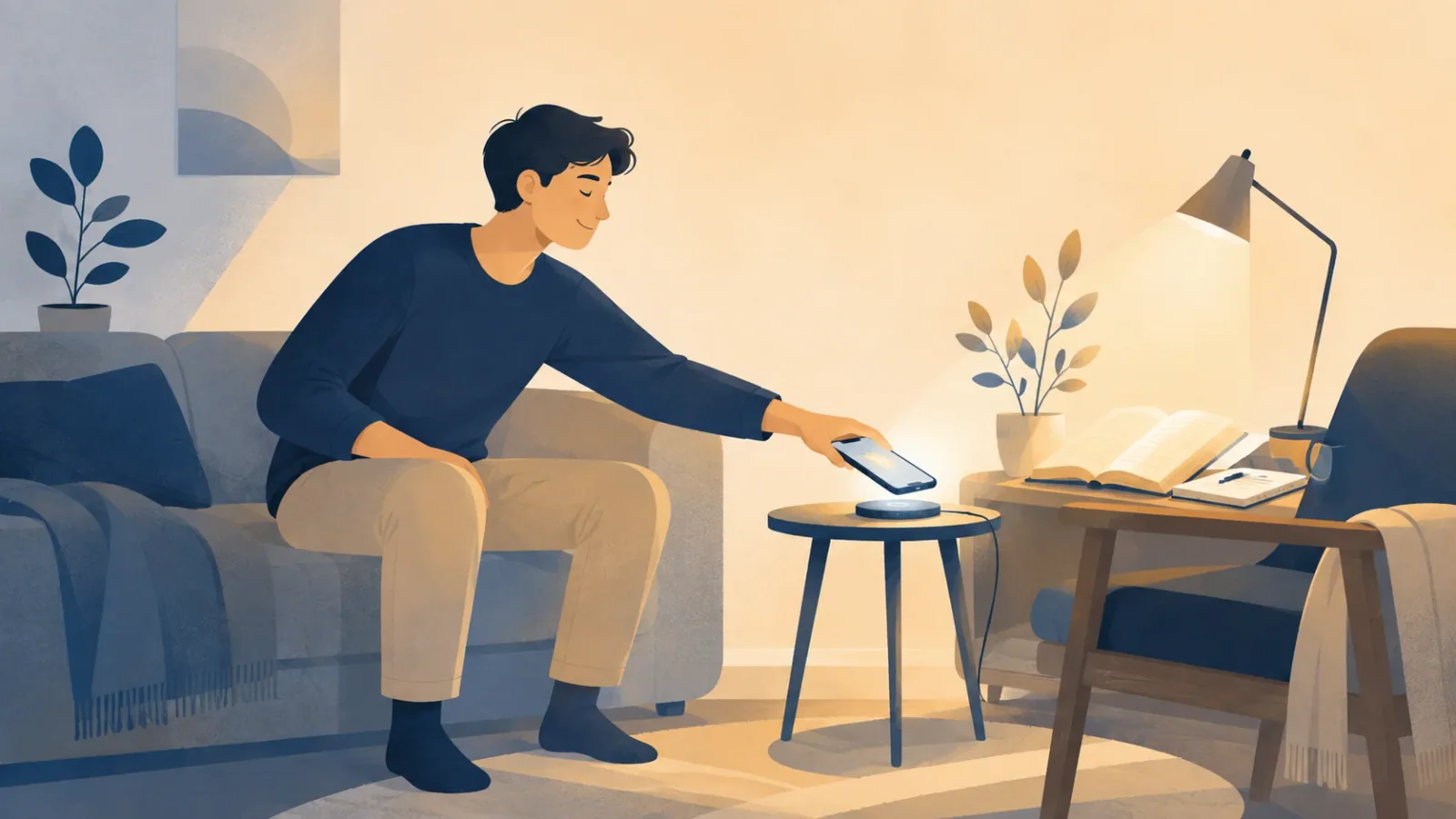
This article is for you if
You open your phone in the evening for one clear reason, then sometimes remain on it long after that reason has been handled.
By the end, you will be able to
You can give one evening phone session a clear ending by marking the finish, interrupting the usual drift, and preparing one simple physical next move.
You only wanted to confirm one thing for tomorrow. Can we catch the moment the task ended but your thumb kept going?
Maybe you opened WhatsApp to answer a family message, checked where you needed to meet for a morning matatu or bus, or watched one football clip a friend sent you.
Each of those actions can have a clear purpose. The problem starts when that purpose is complete but the next tap happens before you have chosen another reason to stay on the phone.
That gives us a smaller problem than saying, “I need more self-control.”
The short version
- Let’s make the end of the useful phone task clear before anything else starts.
- Let’s place one pause at the first step that normally pulls you into extra scrolling.
- Let’s prepare one physical next move so the phone session has somewhere to end.
1. Make the useful task end at a clear point
A phone check can begin for a good reason and still continue because nothing marks when the reason has been dealt with.
Imagine you are home after supper and open your phone to confirm where you will meet someone before taking a matatu or bus the next morning.
“Check my phone” can lead almost anywhere.
“Confirm the meeting point, then stop” is complete once you have the answer.
The same idea works with other small evening tasks:
Reason for opening: Reply to the family WhatsApp group about tomorrow.
Finished when: My reply has been sent.
Or:
Reason for opening: Confirm where I need to be before the morning commute.
Finished when: I know the meeting point and when I need to leave.
Or:
Reason for opening: Watch the football clip my friend sent.
Finished when: That clip ends.
You do not need to write these lines every time you touch your phone.
They simply separate the task you chose from everything the phone can offer after that task is over.
Your device can also help you spot where that handoff often happens. Apple says Screen Time can show how much time you spend using certain kinds of apps, how often you pick up your iPhone, and which apps send the most notifications. (Apple Support)
On some Android phones, Google’s Digital Wellbeing can show screen time, how often you unlock the device and open certain apps, and how many notifications you receive. Google notes that some steps vary by device. (Android Help)
You do not need to inspect every number.
Look for one repeated handoff: a family reply to a short-video feed, a commute check to the news, or one football clip to whatever is recommended next.
The useful sentence is not “I used my phone for too long.”
It is: This is where the task I chose ends, and the extra phone session usually begins.
Once you can see that line, you know exactly where the next step belongs.
2. Put one pause where the extra scrolling normally begins
If one app tends to stretch your evening, you do not have to restrict every useful thing your phone can do.
Suppose your usual sequence after supper is:
reply to messages → open a short-video app → keep watching
The short-video app is where a little friction can help.
Here, friction simply means making an almost automatic action require one extra step or one fresh decision.
On iPhone, Screen Time can limit a single app or a whole app category. Its scheduled Downtime can leave chosen apps and contacts available, and Apple says restricted apps can either show a reminder that you may continue past or be fully blocked during Downtime, depending on whether “Block at Downtime” is turned on. (Apple Support)
On some Android phones, Digital Wellbeing offers app timers. Focus mode can pause selected apps and their notifications, and Google says it can be scheduled to turn on automatically. (Android Help)
YouTube also offers a “take a break” reminder on supported mobile versions of its app. When the reminder appears, YouTube pauses the video until you dismiss the reminder or resume playback. (YouTube Help)
These tools do not need to make the final choice for you.
Their useful job is to turn a hidden handoff into a visible moment.
You are changing this:
finish the useful task → move straight into another app
into this:
finish the useful task → pause → decide whether you want another phone session
Picture a weekday evening at home. You still want important calls and messages to reach you, but one feed often keeps you sitting with the phone when you meant to wash up, prepare for the morning, talk with someone at home or simply rest.
A limit on that app, or a scheduled pause during the part of the evening when you usually drift, can target that handoff without treating your whole phone as the problem.
When the pause appears, the question becomes easier to see:
The thing I opened the phone for is finished. Do I actually want to start another phone session?
Sometimes the answer will be yes.
That is still a new choice, rather than one useful task quietly becoming the rest of your evening.
3. Give the end of the phone session a physical next move
Now suppose the pause appears and you close the app.
You may still be sitting on the sofa or at the table with the phone in your hand.
“Stop scrolling” tells you what to end, but it does not tell your body what happens next.
Let’s make the exit small and physical.
If you want the next morning to feel less rushed:
put the phone on charge → place your bag and keys where you can reach them → get ready for bed
If you want to read:
leave the phone at the charging spot → pick up the book already waiting nearby
If you want a short learning block:
put the phone out of reach → open the notebook or laptop to the lesson you already chose
If you simply want a quieter night:
leave the phone away from the sitting area → wash up or prepare for bed without opening another screen
These actions are deliberately concrete.
“Use my evening better” is an idea. “Charge the phone and put my bag by the door before tomorrow morning’s matatu ride” is something your body can do immediately.
You also do not have to turn every recovered minute into study or work.
On a tiring evening, the better next move may simply be going to bed sooner.
The important change is that the phone session now has a real exit.
The whole sequence could look like this:
Reason: I need to confirm tomorrow morning’s meeting point.
Finish: I know where to go and when to leave.
Pause: The entertainment app I often open next is limited during this part of the evening.
Exit: I leave the phone charging near the table.
Next move: I put my bag and keys ready for the morning.
Nothing in that sequence asks you to become a different person late at night.
It changes what is ready to happen as soon as the original phone task is finished.
The finish, the pause and the physical exit work in that order
The finish tells you when the useful task is complete. The pause makes the usual drift visible before it grows into another phone session.
The physical exit then gives your decision a direction away from the screen.
The order matters. A timer without a clear finish can interrupt you while you are still doing the task you meant to do, while a finish without an exit can leave you holding the phone with no next move ready.
Together, the three parts create one narrow change instead of a vague promise to “use your phone less.”
You can still answer messages, check a route, watch something you chose or use your phone for work. The aim is only to make one evening phone session easier to finish on purpose.
Move closer to the person you want to become
- Let’s start with one evening phone task that often runs past its real ending.
- Let’s make the first pull into extra scrolling pause long enough for a fresh choice.
- Let’s have one simple movement ready so the phone can leave your hand when the task is done.
You do not need to take back your whole evening at once.
Let’s make one phone session end deliberately, then choose what deserves your attention next.
Coursera guide
If you want to use some of the evening time you recover for structured learning, you can compare courses, time commitments and learning routes before choosing what fits your life. You do not need a course to use the method in this article.
 How to Keep One Important Concern in the Decision: 3 Lessons From Challenger
  Your Part Is Done, but the Answer Is Pending: 3 Ways to Handle the Wait
  Corrected in Front of Colleagues? How to Return to Work After the Moment